Coding on my Phone
Like most humans, I am somewhat addicted to my phone. This is not ideal. I limit my screen time as much as possible and take a kindle almost everywhere to satisfy the urge to look at the pretty pixels. But, recently I put these concerns aside and asked myself: How can I make better use of my phone?
Look, I know. I’ve read the discourse. The substacks telling you that hyper-productivity obsession is bad for your mental health and bad for society. I agree with that. I read this article that George Hotz recently wrote after I originally clicked on it because of the well crafted clickbait title about this exact anxiety. It did actually end up arguing that we are blowing the fear of hyperproductive AI out the water and to succeed you still just need to create genuine value. I could go on about this but my wonderlust really just starts and ends with, having a (semi-)autonomous AI assistant that does work overnight is pretty cool though.
I have a lot of ideas and rarely get time to explore them because I’m busy enjoying life. I’ve coded on my phone before - emergency debugging in a Croatian thunderstorm - but that was reactive. What if I could be proactive? What if I could channel my inner Tony Stark and have my own vibe coding assistant on my phone?
This is my adventure into doing just that. It involves a VPS, a custom app, a failed agent harness, jumping on the two hype cycles and something that actually works.
My Personal Cloud Computer
My first task was figuring out how to run Claude Code somewhere persistent without killing my phone’s battery. The answer was something I’d wanted for a long time: my own Virtual Private Server (VPS) - a computer in the cloud that’s always on and also mine. I went with Hetzner. Did a lot of research, and it came out on top for the price. It’s also European, which I liked. Within a week of buying it, they raised their prices but it’s still pretty cheap at like £7 a month. Getting it set up was straightforward enough. I could SSH in from my laptop, install what I needed, and get Claude Code running. But the whole point was to access it from my phone.
A Terminal Issue
There’s an app called Terminus that lets you SSH from Android. I got it running on my Nothing Phone and connected to the VPS. It worked. I could launch Claude Code.
It was also kind of awful.
The problem: a terminal is a keyboard-driven interface, yeah my intention was to just use claude code for everything but this felt clunky. I like having different worktrees, different branches and I got lost in the dream of making something that looked cool and so I built a little CLI dashboard — a text-based interface for managing work trees and sessions. Here’s what it looked like:
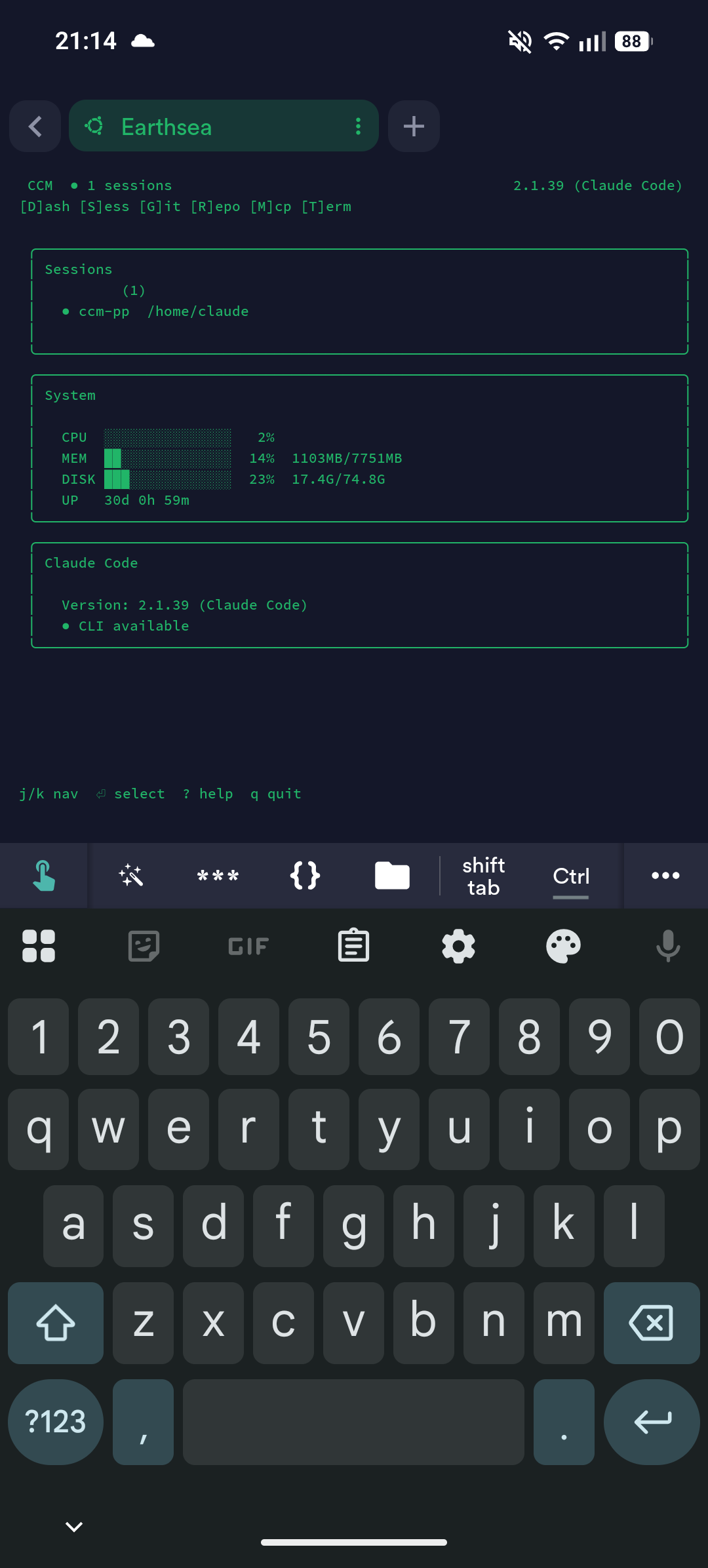
The CLI dashboard. Functional, but not exactly phone-friendly.
The dashboard itself was fine. The problem was everything around it - configuration keys that didn’t trigger quickly enough, an interface that fought against how phones actually work. I kept thinking: why am I pressing keys on a keyboard when I have a phone where I can touch things?
This sent me down another rabbit hole. How much effort would it be to build a whole mobile agent harness for interfacing with the server? A phone-native way of interfacing with my agent? Obviously, because I’m telling you this, I did go and build one.
Touch and Go Coding
Claude did most of the heavy lifting. Go backend, TypeScript frontend. After some hustling it was looking nice - proper touch interactions, buttons, tabs, Ctrl+C, shortcuts. A genuinely phone-native way of managing terminal sessions on the server. I called it Earthsea because I love Ursula K. Le Guin’s books and needed a name.
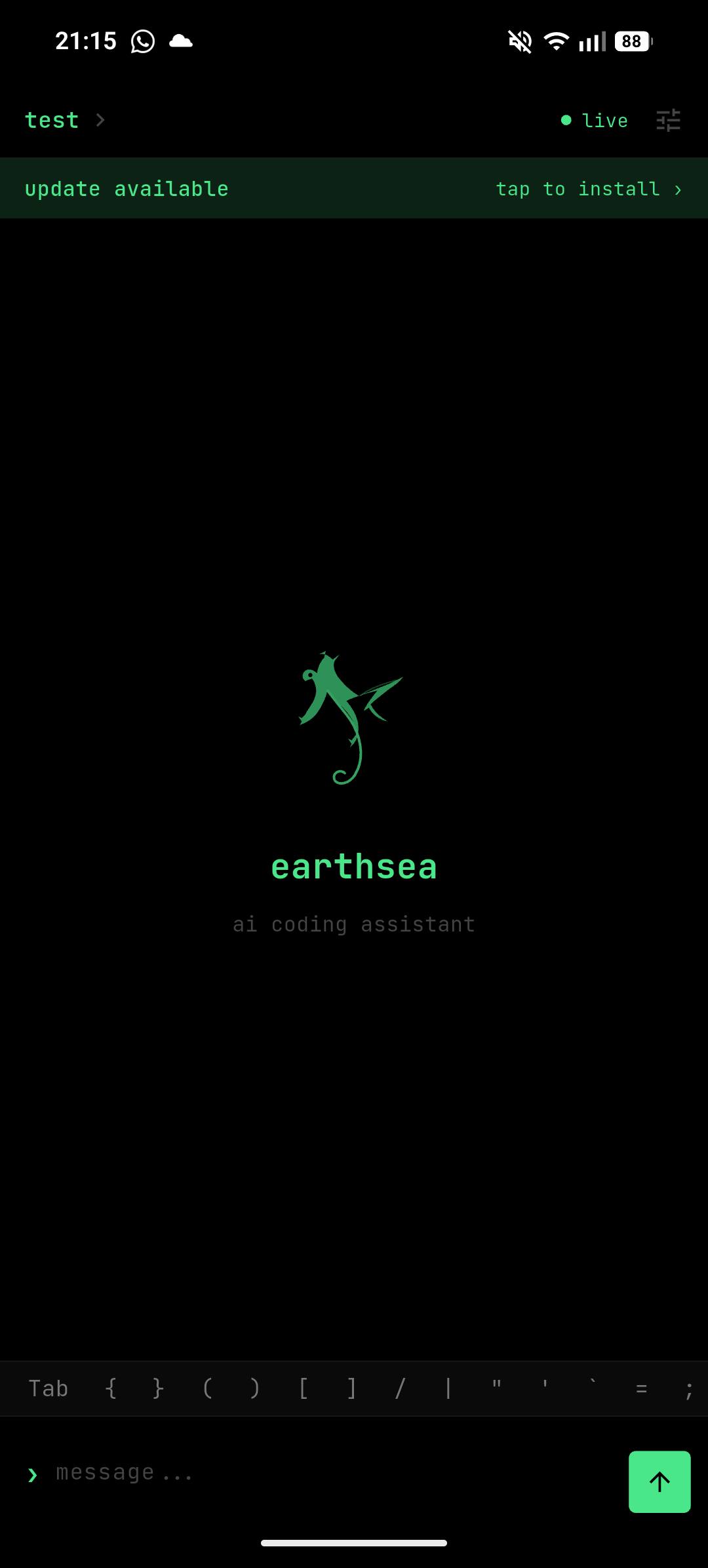
Earthsea — the mobile interface for code.
This worked by piping commands to Claude Code so that I could use my Max subscription as I can’t (won’t) pay API rates. I built it and technically it worked. But the user input handling was a nightmare. Claude Code would request confirmation for actions, and the pipe couldn’t handle interactive prompts properly. There was a load of mayhem with stdin/stdout buffering. I was spending all my time wrestling with terminal escape codes instead of actually using the thing.
Worse, I’d lost sight of the original goal. This was no longer about building a cool mobile coding setup. It was about hacking my way around Claude’s billing model. That’s a whole different kind of fish, and not one I wanted to deal with.
Then, as these things go, I read on Hacker News that Anthropic was banning people who were building agent harness that were hacking around so that they could use Claude Max outside of Claude Code… I realised that this was literally exactly what I was doing.
So I stopped. Immediately. Also Anthrophic released a continue CC sessions on your phone feature. Again, exactly what I was orginally trying to build
At this point, this post was going to be about failure. About knowing when to stop, about dead ends being part of the process. A nice little reflection along the lines of, don’t lose track of your purpose when building etc etc.
But all was not lost. As is commonplace in the tech world, we pivot.

The Pivot
OpenClaw was blowing up. If you haven’t heard of it TL;DR is LLM Agent always on + tools + communicate via whatever apps / phone and it can edit it’s own code. I was a bit skeptical at first, the security concerns + it didn’t really seem much better than having MCPs connected to your LLM and just asking through your laptop.
Then, I read about Karpathy’s auto-research project. The idea is simple and fun: can AI do autonomous ML research? Specifically, it tries to improve training of small language models like GPT-2 by running little five minute experiments, evaluating results, and iterating without human intervention.
very interesting.
The astute amoung you will realise that I combined these two things. I got my GPU compute runs via Modal — I’ve used Modal before for other projects, and it makes running GPU workloads painless. The auto-research agent runs experiments, and I wanted it to send me updates.
First attempt: WhatsApp. Turns out you have to pay per message. Even at fractions of a penny, when your agent is sending hundreds of messages a day, it adds up. I like money in my pocket.
Second attempt: Telegram. Free. Easy. Done.
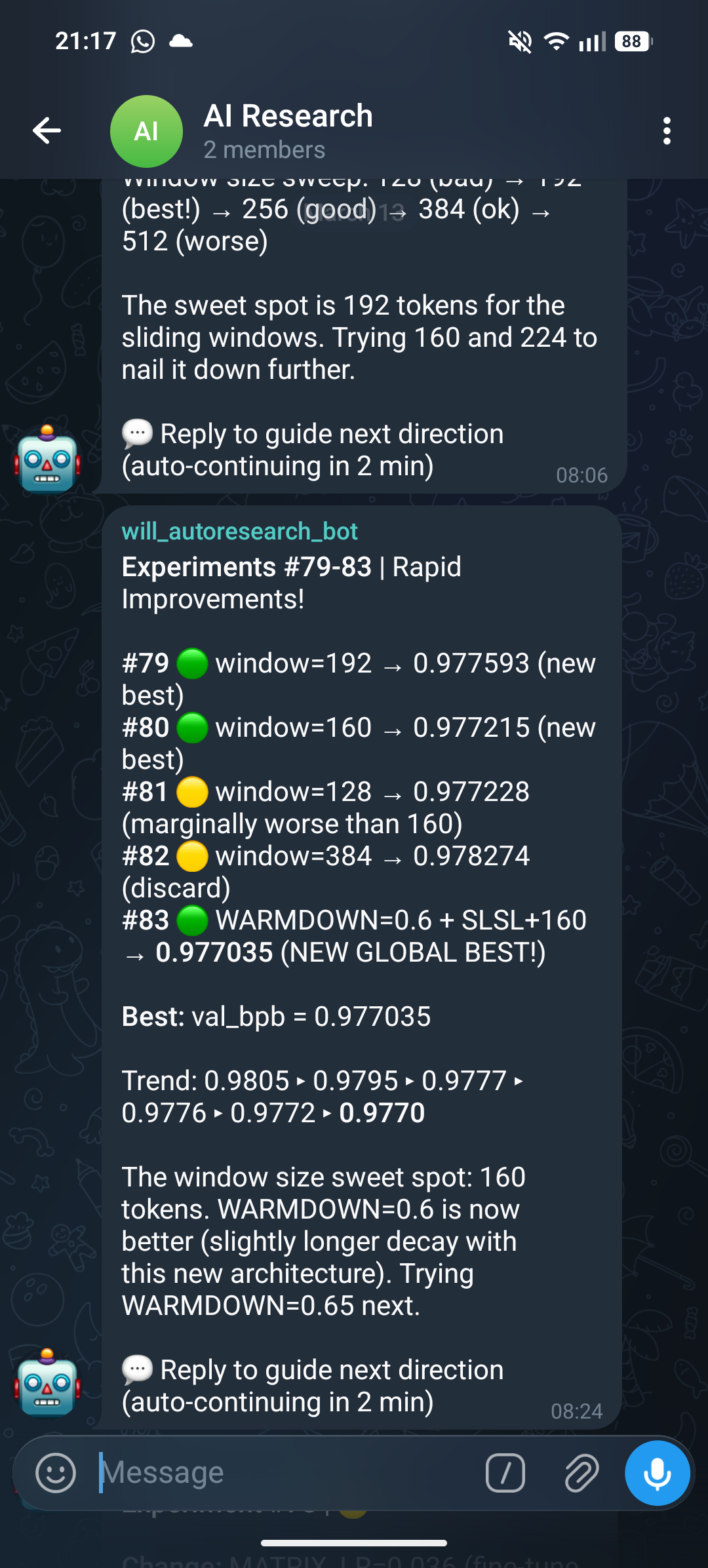
Waking up to overnight research updates on Telegram.
Karpathy’s own results have been promising — roughly an 11% improvement on GPT-2 training time, showing that the concept genuinely works. AI can do autonomous research. It’s not just a demo; it’s actually producing results. There’s this benchmark tracking different agents performance’s, I haven’t integrated mine into it but at the time of writing I would be roughly top ten. Albeit, I did read something recently where someone compared this versus compute spent in a Hyperparameter Optimisation loop and that comes out on top. I’m not really in it for the absolute best performance though - I’m doing it because I think it’s cool.
I’ve since adapted the setup for my own ideas. I’m not replicating Karpathy’s exact experiments. I’ve added my own skills and research directions, running experiments that explore things I’ve wanted to try but never had time for. The agent runs overnight, uses my Max subscription productively, and sends me Telegram updates about what it found.
Reflections
I started this wanting to be more productive on my phone. I ended up with something better: agents that work while I sleep.
The path was messy. An SSH terminal that fought against touchscreens. A custom app that got over-scoped. An agent harness that should’ve got me banned. Each attempt taught me something, even if that something was stop doing this.
The irony is that the best solution came from simple tools.. Not my custom Go backend or my elaborate piping system — just an open-source research agent, a cloud GPU provider I already use, and a free messaging app. Sometimes the right answer is the boring one.
I’m not making money while I sleep yet. But I am waking up to Telegram messages telling me what my agents did overnight, and that feels like a start.